You’ve probably heard this one before: “Just get a roof franchise CRM, and your roofing franchise will run itself.” Sounds great on paper. But here’s the truth many roofing franchise owners learn the hard way… most CRMs weren’t actually built for what you’re trying to do.
Not for multi‑location visibility, coordinated follow‑ups across regions, or franchise workflows that span dozens of crews and hundreds of leads. You end up with a CRM that technically works, but somehow feels like it’s slowing you down. That’s because most CRMs were born from one of two places:
- Tools made for sales teams that never climb roofs, or
- Enterprise software that assumes every business has armies of admin staff
Neither one understands the rhythm of roofing, especially a multi‑location roofing franchise.
This article breaks down why most CRMs fall short, what franchise‑ready systems actually need, and what you can do right now to fix the gaps.

Most CRMs Treat Roofing Franchises Like Any Other Business
If we look at the state of the roofing industry in 2026, we learn some interesting facts. We learn that the three major challenges facing roofers this year are the current economy/inflation, the rising cost of building materials, and the unavailability of talented workers, given that just 54% of workers are full-time employees.
However, almost 9 in 10 workers expect roofing sales to increase in the next three years, given that 40% of roofing contractors were using AI in 2025. When we look at the technology used in roofing, we realize that most roofers are using these software solutions:
- Enterprise or accounting software (67%)
- Estimating software (63%)
- Cloud computing (61%)
But here’s the thing: using traditional CRMs isn’t going to help you if you’re running a franchise or wish to start one. You needed a roofing CRM software yesterday, but not a generic one.
If you’ve ever compared your CRM experience to your best crews on a job site, you know something’s off. Standard CRMs assume:
- One sales pipeline per business
- A single set of workflows
- One leaderboard for revenue
- One group of users in the same location
That works for one‑location contractors. But franchises? You have:
- Multiple offices
- Different markets with different costs
- Separate franchisees with unique goals
- Corporate leadership needs aggregated data
It’s like trying to use a sports car as a dump truck; sure, it moves, but it’s not built for the job. Here’s what most CRMs get wrong:
They Don’t Give You a Franchise‑Level View
Imagine running several locations: Your morning starts with coffee and questions like:
- How many leads did each franchise get yesterday?
- Which location closed the most jobs this week?
- Who’s slipping on follow‑ups?
If your CRM can’t answer these in one glance, you’re wasting hours every week gathering data manually. Most systems force you to open each location’s pipeline separately, then stitch a story together afterward. That’s backwards.
You need a centralized dashboard, i.e., the bird’s eye view, that shows performance across the entire franchise. Without it, you’re stuck in spreadsheets and meetings instead of leading.
They Assume a One‑Size‑Fits‑All Workflow
Roofing franchises aren’t cookie‑cutter operations. One office might focus on storm response, another on re‑roofing older homes, and a third office on commercial builds. Yet most CRMs only let you build one sales process. That means:
- You’re forced to force franchise workflows into the same mold
- You create awkward manual steps to compensate
- Your system becomes a roadblock instead of a tool
That’s like trying to fit a square peg in a round hole; it sort of works, but it slows everything down.
They Treat Communication as an Afterthought
Communication is the backbone of roofing success. Leads, texts, photos, estimates, and follow‑ups. Most CRMs treat messaging like a side feature, i.e., buried in menus or split across platforms. That’s a disaster when you’re dealing with everyday challenges like:
- Adjuster calls
- Crew updates
- Homeowner questions
- Franchise‑wide announcements
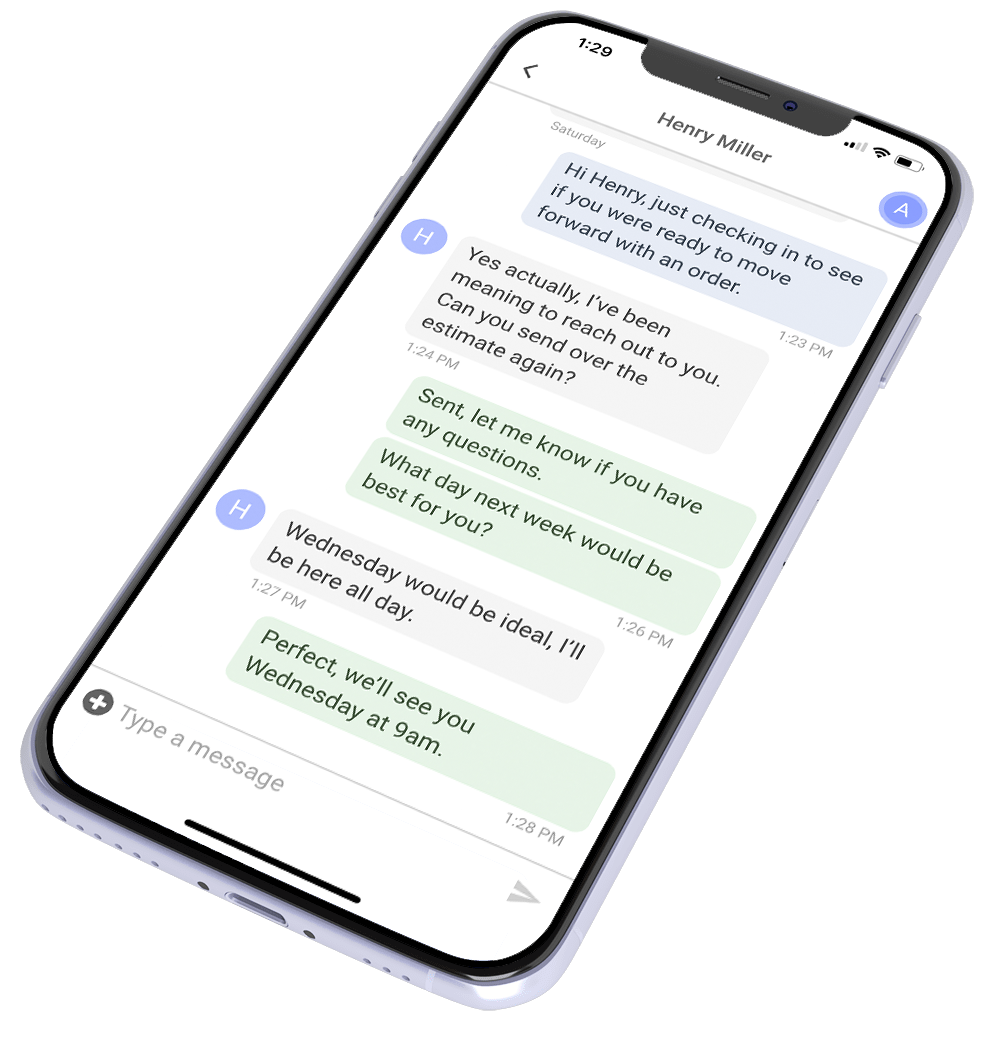
You need a system where communication is central, visible, and actionable, not an afterthought hidden in a settings tab. That’s where ProLine’s communication‑first CRM stands apart. Everything lives in one place: texts, calls, and photo logs tied to projects, so your teams aren’t scrambling to find what was said last week, but juggling multiple locations successfully.
They Don’t Route Leads by Territory
Leads without routing are like having a stack of checks without a bank… useless. In a franchise, leads come from all over:
- Website forms
- Paid ads
- Organic search
- Referrals
If you’re manually assigning leads to offices… well, congratulations, you just made a full‑time job for someone who shouldn’t be doing that job.
In the words of Carnie Fryfogle, the CEO of CR3 American Exteriors, standard CRMs have these three flaws:
- Slow Deployment: “…the CRM provider that we were with, what we had to do is go into every single account and duplicate and rebuild everything. Every template, every automation, everything had to be rebuilt.”
- No Single Sign-On: “…we were having to log into our franchises’ CRM account using their credentials, which is incredibly inefficient. You have people changing passwords. There’s a little bit of liability there, too.”
- No Global Search: [We weren’t] able to navigate the entire portfolio without ever having to jump into a CRM account…”
We’ll explain in the next section what your roofing franchise actually needs in a CRM!

What Franchise‑Ready CRMs Actually Need
Portfolio‑Wide Visibility
Not just one dashboard per location, i.e., one view for the whole franchise. See:
- Leads per location
- Jobs won vs. lost
- Revenue by region
- Activity trends
All without clicking into a dozen screens.
Customizable Workflows
Each office might have a unique way of handling calls, estimates, and follow‑ups, i.e., corporate should be able to enforce standards without locking teams into rigid steps.
Communication First, Always
Your CRM shouldn’t just store communication; it should drive it. Texts, calls, and photos should be linked to projects and easily searchable across teams.
Lead Routing by Territory
Automatically send leads to the right office, all based on ZIP code, service area, or workload. The faster the response, the more jobs you close.
Mobile‑First Design
Your crews aren’t behind desks; they’re on sites, trucks, and roofs. If your CRM isn’t built to work on mobile devices first, you’re forcing phone calls and notes back into spreadsheets.
Real Franchise Reporting
You don’t need generic charts. You need actionable insights like these:
- Who’s closing more jobs?
- Which office needs coaching?
- Where are supplements lagging?
How ProLine Solves Franchise CRM Problems
Communication at the Center
Every call, text, and message lives inside the CRM. No digging through phones or scattered threads. One project = one communication trail.
Lead Routing Done Right
When a lead comes in, it goes where it needs to… fast. You set the territories. The system handles assignments. No more manual juggling.
Franchise Dashboard
Corporate gets a bird’s-eye view. Franchise locations get localized insights. Everyone sees exactly what matters without piecing reports together.
Custom Workflows That Scale
Each location can follow its inspection routines while still reporting into a corporate‑level process. That means standardization without suffocating flexibility.
Mobile‑First for Field Teams
Crews update jobs, upload photos, and check statuses without heading back to a desktop. When your field team works in real time, your pipeline stays tight.
Steps to Make a Franchise‑Ready CRM Work for You
Switching to a system that actually supports franchises takes method, not magic. Follow this roadmap:
Audit Your Current CRM
Identify the gaps. Where does it slow you down? What workflows are missing? Write these down before you make a change… you need to know what you’re fixing.
Write Down Your Corporate Standards
This is the blueprint. Define how leads are handled, how jobs are tracked, how follow‑ups happen, and who gets notified when something changes.
Choose Franchise‑Focused Software
Look for a system that handles:
- Multi‑office dashboards
- Territory routing
- Mobile input
- Communication timelines
- Reporting across locations
Train Teams on the New System
Rolling out a CRM isn’t a one‑hour meeting. You’ll want clear guides, checklists, and coaching. The easier the training, the faster your ROI.
Integrate Your Measurement & Supplement Tools
Tie in EagleView, Hover, GAF QuickMeasure, RoofScope, and insurance supplement workflows if applicable. When measurements and CRM talk to each other, estimating becomes faster and more accurate.
Track Your KPIs Publicly
Set benchmarks and share them with your teams. Everyone should see where they’re improving and where they need to tighten up.

The CRM Your Franchise Didn’t Know It Needed
You didn’t get into roofing because you love logins and dashboards. You got into it to solve problems for homeowners… and to build something that lasts.
But here’s the truth: when your systems don’t support your growth, they become barriers. Franchises need tools that are as dynamic as their business… not generic CRMs built for someone else’s idea of work.
A franchise‑ready CRM like ProLine gives you clarity, control, and confidence across every location. It keeps your teams aligned, your leads flowing, and your business scaling without chaos. So, book your demo today!
FAQs | Roof Franchise CRM
Can a regular CRM work for a roofing franchise?
Technically, yes, but you’ll spend more time patching gaps than running jobs. A franchise‑built CRM saves hours every week.
What features matter most in a franchise CRM?
Multi‑location dashboards, lead routing, automated workflows, reporting, and integrated communication.
How long does it take to switch CRMs?
With planning and training, most franchises can transition in 4 to 6 weeks.
Will my crews actually use it?
Systems built for roofing are mobile‑first and field‑friendly, making adoption much higher.
Does a franchise CRM help close more jobs?
Yes, faster lead response, clearer communication, and organized workflows mean more jobs closed and fewer lost opportunities.