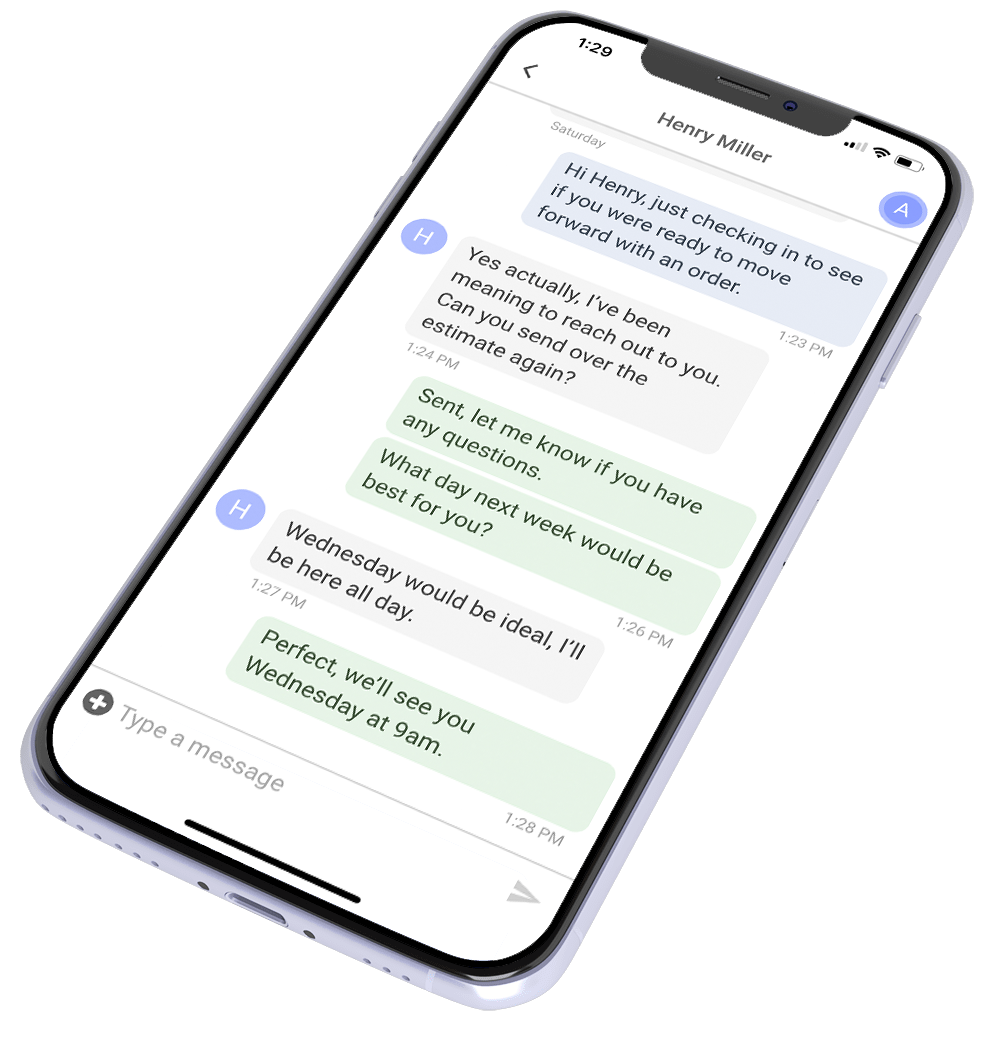
Here’s a scenario that plays out in roofing companies every day.
A rep finishes an inspection, takes photos and measurements, drives back to the office, builds the estimate, and emails a PDF proposal later.
During that gap, the homeowner may keep talking to other contractors and comparing options.
That’s not necessarily a sales problem. It can be a workflow problem.
The gap between a slow, office-bound estimating process and a field-ready proposal workflow can affect how quickly a homeowner gets an answer, how professional the experience feels, and how much manual work the rep has to do before asking for the sale.
Modern roofing estimating software can give reps the tools to build and send a complete proposal from the field with accurate measurements, professional formatting, digital signatures, and built-in follow-up automation. This guide covers what to look for and what most contractors get wrong when evaluating it.
The Real Job of Roofing Estimating Software
Estimating software has to do more than produce the right number. It should help contractors turn measurements, scope, pricing, and job details into a proposal the homeowner can understand and act on.
The best workflow reduces the time between inspection and proposal without sacrificing accuracy. It also gives the rep a professional way to explain what is included, present options, collect a signature, and keep the next step clear.
A polished proposal delivered quickly can create a better buying experience than a quote assembled days later from disconnected tools. But speed only helps if the measurements, scope, and price are right.
What Separates Modern Roofing Estimating Software from a Quote Template
A lot of roofing companies are still estimating in Word documents, Excel templates, or PDF builders that require desktop access. Here’s what genuinely modern roofing estimating software does differently:
Measurement Data Flows In Automatically
The best roofing estimating software connects directly to aerial measurement providers so your rep doesn’t have to manually enter square footage, pitch, facets, and waste factors. They pull an address, the report comes in, and the measurements populate the quote template automatically.
ProLine pulls measurement data directly from EagleView, Hover, GAF QuickMeasure, and RoofScope into your quote templates. That reduces manual copying between systems and gives reps a faster path from measurement to proposal. The breakdown of the best roofing calculator apps covers what each provider does well and which job types they’re suited for.
Quotes Are Built and Sent from the Field
If a rep has to return to the office before they can finish a proposal, the quoting process gains another delay and another handoff.
Mobile estimating tools reduce that friction by letting reps review measurements, build the quote, add supporting photos or media, and send the proposal from the job site or wherever they are working.
In ProLine, reps can build quotes from the mobile app, present them to the homeowner, and collect signatures electronically.
Proposals Include Photos, Videos, and Line-Item Transparency
A proposal should do more than show a total. Photos, scope details, material specifications, options, warranties, and supporting media can help the homeowner understand what they are buying and compare proposals on more than price alone.
How to structure a roofing sales presentation covers the communication and presentation side of this in detail. The estimating tool should support that sales conversation rather than forcing the rep to send a generic document that strips away the context they just spent the inspection building.
The Proposal Should Connect to the Next Step
Once the homeowner is ready to move forward, the software should make signing easy. Electronic signatures remove printing, scanning, and document handoffs from the process and keep the signed agreement attached to the customer or project record.
The same principle applies when the homeowner is not ready to sign. A proposal should feed into the follow-up process rather than disappear into someone’s inbox. In ProLine, contractors can send quotes by text or email, collect electronic signatures, and run quote follow-up campaigns from the same CRM.
That connection matters because estimating is not just document creation. It is one step inside the larger sales process.

The Feature Checklist vs. the Right Question
John DeLaurier, co-founder of ProLine and former roofing contractor, made a point worth sitting with: most contractors ask what an estimating tool does. The better question is whether it actually helps you sell more jobs.
A tool can have excellent measurement integration, a solid mobile UI, and a clean proposal template and still not move your close rate if it isn’t tied to the follow-up system that brings the homeowner back to the decision. The estimating workflow and the follow-up workflow aren’t separate jobs. In a modern roofing operation, they’re the same job running from one platform.
WATCH: Why the “Best CRM for Estimates” Question Is the Wrong Question
Side-by-Side: Old Estimating Process vs. Modern Roofing Estimating Software
Here’s what the gap looks like when you map it out:
| What to Evaluate | More Manual Workflow | More Connected Workflow |
|---|---|---|
| Measurement input | Measurements entered or copied manually | Measurement data can flow into the estimate through an integration |
| Quote creation | Proposal finished later from a desktop | Proposal can be built and sent from the field |
| Proposal format | Static document with limited context | Branded digital proposal with supporting scope, photos, and options |
| Follow-up | Rep tracks next steps manually | CRM or automation can trigger reminders and follow-up |
| Payment collection | Billing handled later in another workflow | Signed quote can connect directly to invoicing/payment |
| Visibility | Status depends on rep updates | Team can see proposal and pipeline status centrally |
Each row represents a handoff where manual work, delays, or lost visibility can enter the process.
What to Ask Before You Buy Roofing Estimating Software
Demos show the software under ideal conditions. Use the demo to test the actual workflow your team will follow:
- Can a rep build and send the proposal from a phone or tablet? Ask them to show the full workflow, not just the finished screen.
- Which measurement providers integrate directly? If you already use EagleView, Hover, GAF QuickMeasure, RoofScope, or another provider, ask to see how the data enters the estimate.
- What happens after the quote is sent? Does the tool track status, connect to your CRM, or support automated follow-up?
- Where does the signed agreement live? Make sure the rest of the team can access it without chasing the rep.
- What proposal statuses can managers see? Open, sent, signed, expired, or other stages should be easy to monitor.
- How does quoting connect to invoicing and payment? The fewer manual handoffs between sales and collection, the easier the workflow is to manage.
Estimating Software vs. CRM: Do You Need Both?
Estimating software and CRM software solve different problems, but the workflows should connect.
Estimating software helps turn measurements, scope, and pricing into a proposal. A CRM manages the broader customer relationship, including communication, pipeline activity, follow-up, and job history.
Those functions can live in the same platform or in separate tools connected through a reliable integration. The important question is whether your team has to copy information manually, recreate customer records, or jump between disconnected systems to keep the sale moving.
ProLine includes quoting inside the CRM, so measurement data, proposals, communication, signatures, and follow-up can stay connected to the same project. It also integrates with external measurement providers when specialized tools make sense.

Frequently Asked Questions
What is roofing estimating software and how is it different from a CRM?
Roofing estimating software helps contractors turn measurements, scope, and pricing into a proposal. A CRM manages the broader customer relationship, including communication, pipeline activity, follow-up, and job history. Some platforms combine both functions, while others connect through integrations.
Can roofing estimating software really improve close rates?
It can help shorten the time between inspection and proposal and give homeowners a clearer, more professional buying experience. Whether that improves close rate depends on the quality of the lead, price, sales process, competition, follow-up, and other factors.
Which measurement tools does roofing estimating software typically integrate with?
Integration options vary by platform. ProLine currently integrates with EagleView, Hover, GAF QuickMeasure, and RoofScope and can also import measurements from other providers. ProLine
Should I buy roofing estimating software or a CRM first?
Start with the workflow you need to fix. If estimating is slow but your customer communication and pipeline already work, a dedicated estimating tool may solve the immediate problem. If quoting, communication, and follow-up are all disconnected, a CRM with built-in estimating may reduce more manual handoffs.
What commonly goes wrong after a roofing proposal is sent?
Follow-up often becomes inconsistent once the quote leaves the rep’s hands. A connected CRM can make the next step visible or automate routine touchpoints so open proposals do not depend entirely on memory.
A Better Estimating Workflow Removes Friction
The goal of roofing estimating software is not simply to create a prettier quote. It should reduce the manual work between measurement, proposal, signature, follow-up, and payment.
The more connected those steps are, the easier it becomes for a rep to move from inspection to proposal without rebuilding information in multiple places or relying on memory for what happens next.
ProLine combines mobile quoting, electronic signatures, measurement integrations, follow-up automation, invoicing, and payment workflows inside the CRM. ProLine
That gives roofing teams a faster path from measurement to proposal while keeping the rest of the customer relationship connected.